
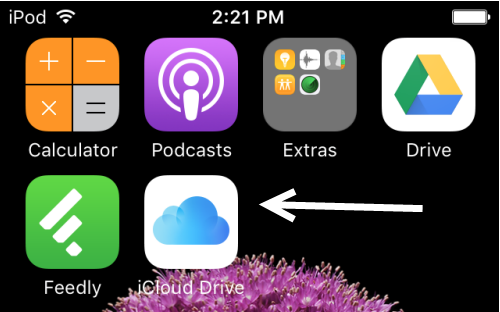

If you use iOS9 and iCloud, it is really easy to have the icon for your iCloud Drive pop up on your home screen, just follow these simple steps and enjoy some easy App convenience.
- Open Settings on your iPhone.
- In Settings select iCloud.

3. If you are already logged in to your iCloud account you will see the account name and how much storage you have left. Select iCloud Drive to continue.

4. Flick on the Show in Home Screen option…

5. Job Done, check out your Home Screen, it is there!


